At WWDC 2022, Apple has unveiled iOS 16, the latest operating system for iPhone and the successor to iOS 15.
It's a release that brings improvements to many apps, from a redesigned home app and better privacy overview features, to a big focus on the lock screen, with new fonts, colors and themes.
Apple has confirmed that the public beta will arrive in July, with a late 2022 release for iPhone 8 devices and above.
iOS 16: Cut to the chase
- What is it? The next big update for iOS
- When does it come out? Late 2022, but the public beta will be out in July
- How much does it cost? It's free
Release date
Apple tells us that iOS 16 will be released in late 2022, with the public beta available to iPhone users from July.
Supported iPhones for iOS 16
Anyone with an iPhone 8 and newer will be able to update to iOS 16, which means if you have an iPhone 7 or older you're out of luck.
Features
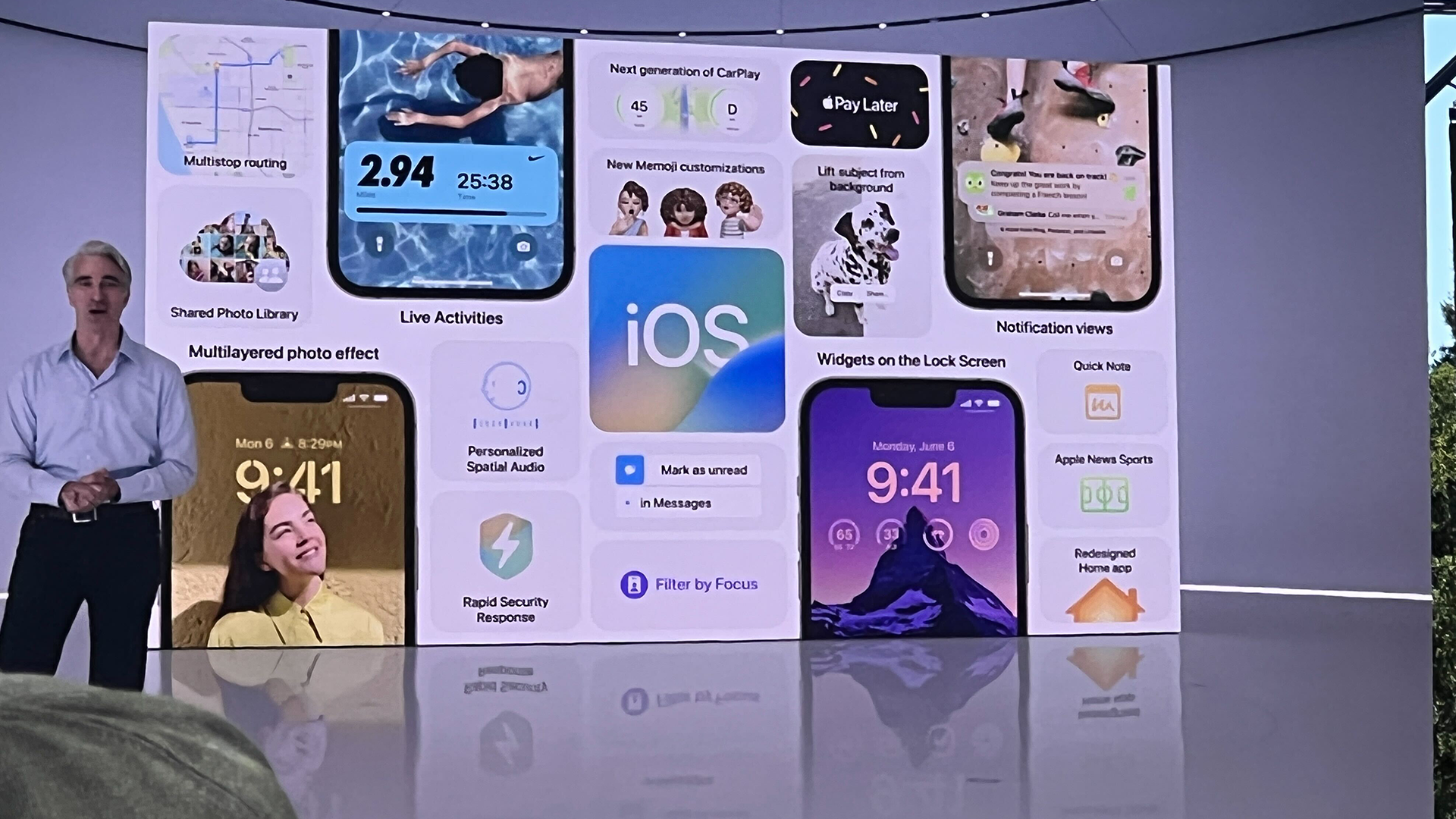
You'll be able to customize your lock screen by tapping in any area to change the text font and colors, use portrait mode for your photos, and more.
Complications can also be enabled here too, a feature lifted from the Apple Watch.
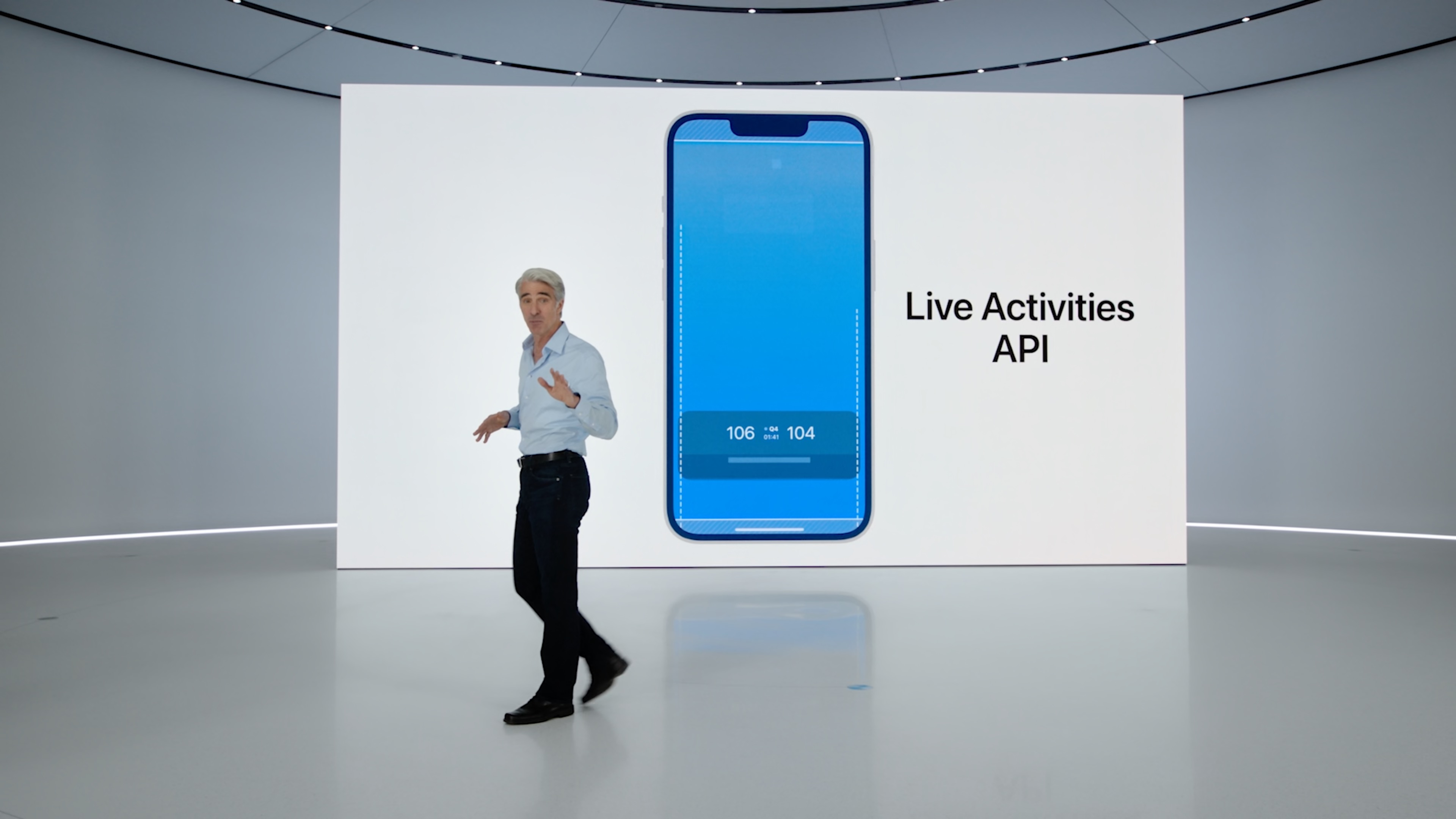
Notifications are also getting improvements, with 'Live Activities', which enables you to create widgets to follow news, hail an Uber ride, track your workouts and more.
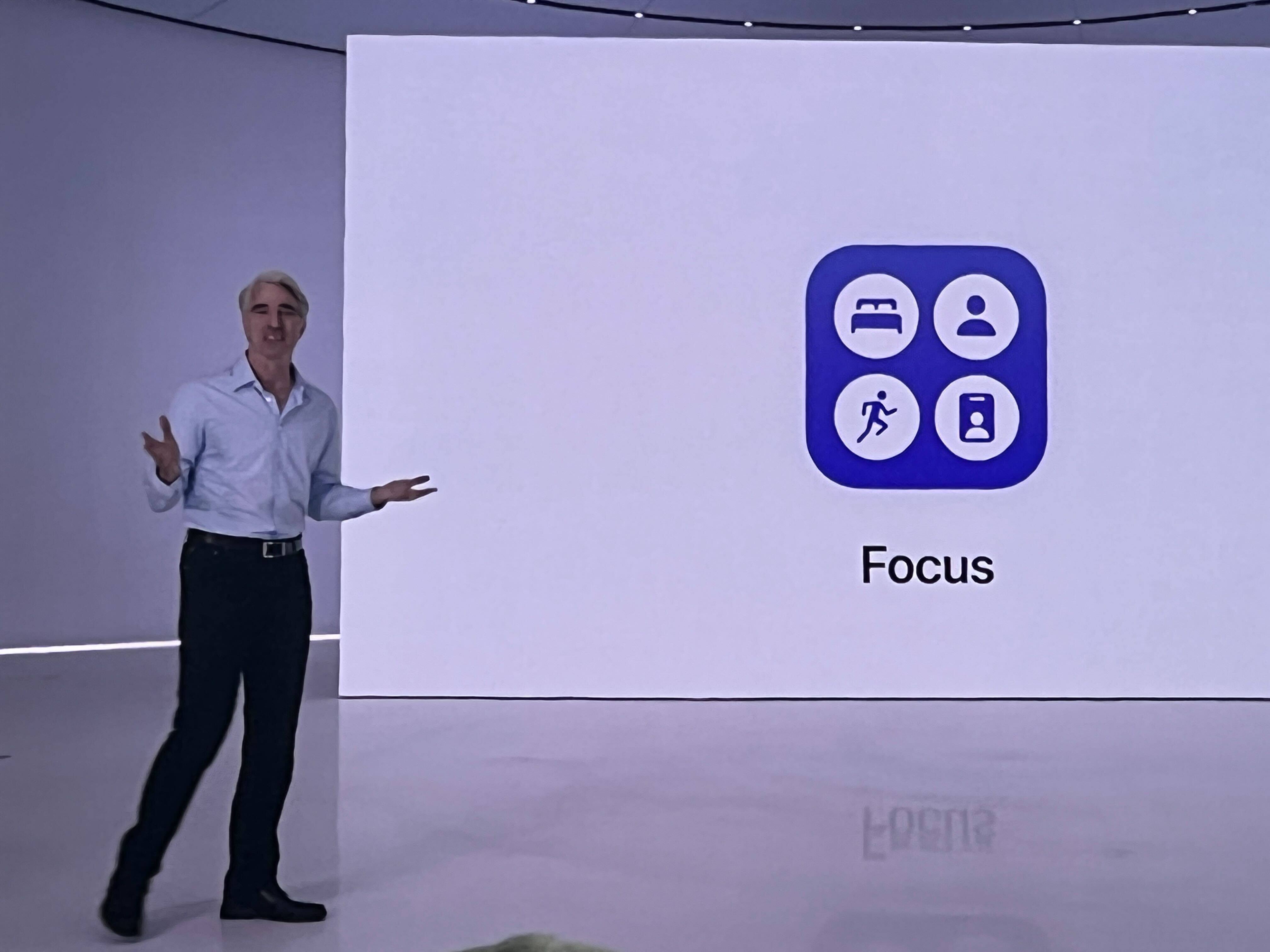
Apple's Focus feature is also coming to the lock screen. You can add a particular focus profile, so 'Meeting' could make your lock screen change to a wallpaper and widget showing details of that event.
You can also use 'Focus Filters' to block out tabs in Safari, accounts in Mail, events in Calendar, and more to help you manage your workflow.
Messages
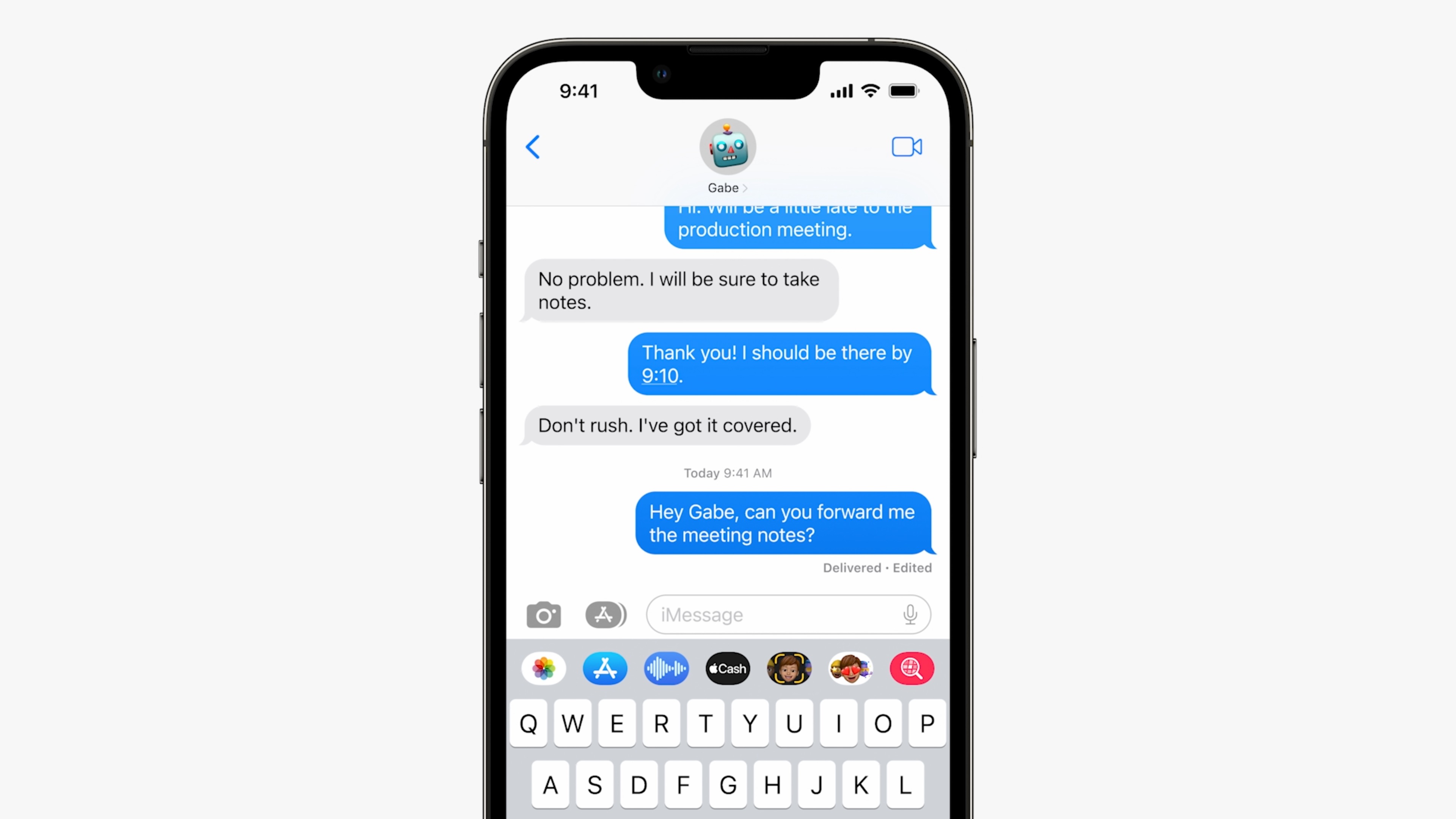
Apple has added several new features to Messages. 'Undo send' has arrived for Messages, enabling to cancel a message for a limited time after you've sent it – for example if you spot a typo or realize you've sent it to the wrong person. Note though that this only works for iPhone to iPhone messages.
SharePlay is also coming to the app, so you can play a movie in Disney Plus for example, and share it with someone via Messages.
Dictation has moved to being offline, which means you can dictate a message at a much faster rate than before.
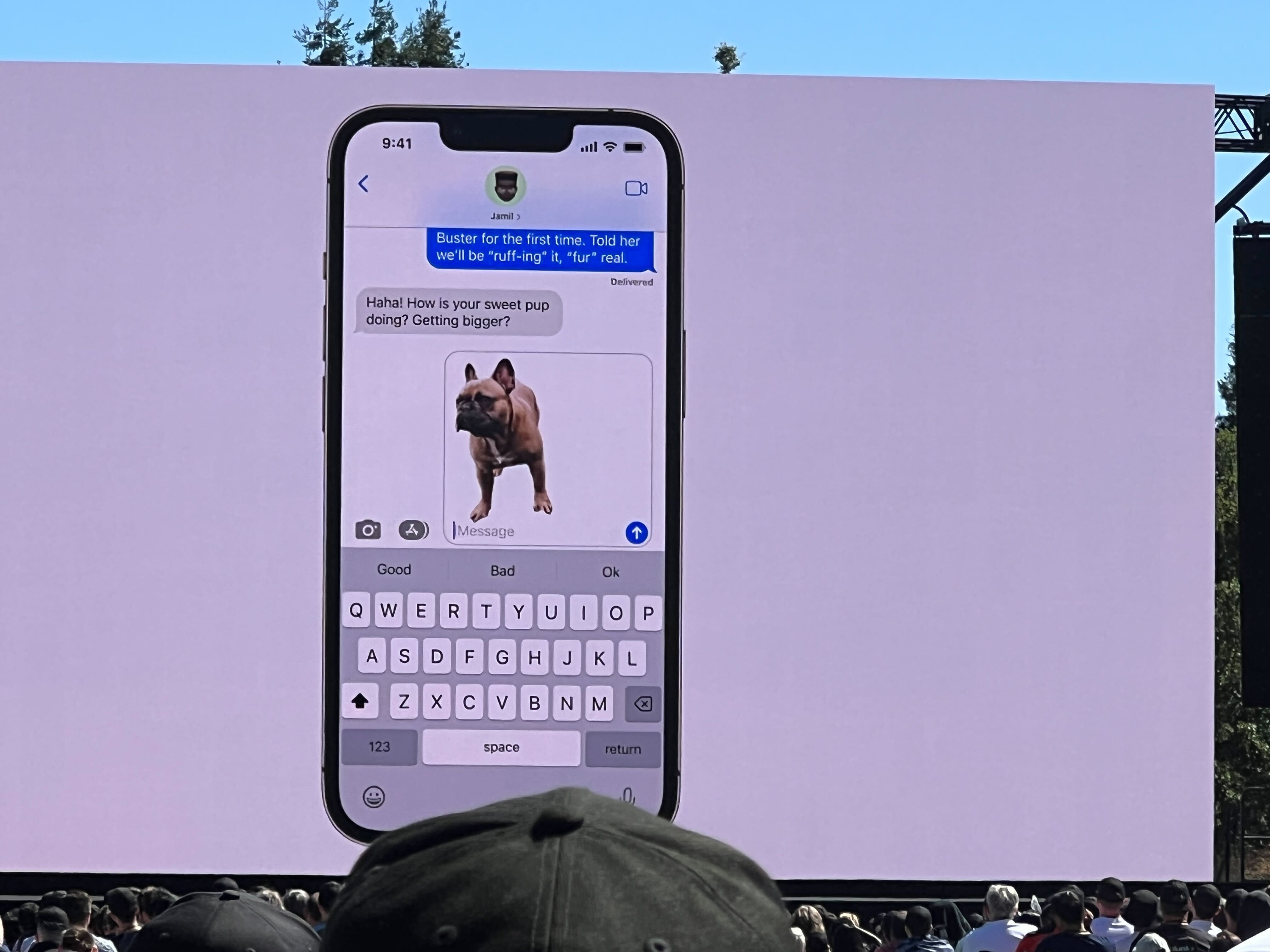
Live text is seeing improvements as well, where you can copy and paste text in video, alongside being able to copy text when translating a video.
Accessibility
Hinted by Apple in May, these confirmed features are indeed heading to iOS 16, such as door detection, live captions in a FaceTime call, and more.
Wallet
Wallet is seeing privacy improvements, with In-app ID verification being enabled for third-party apps.
Tap to pay on iPhone is also arriving for iOS 16, removing the need for any point of sale terminals.
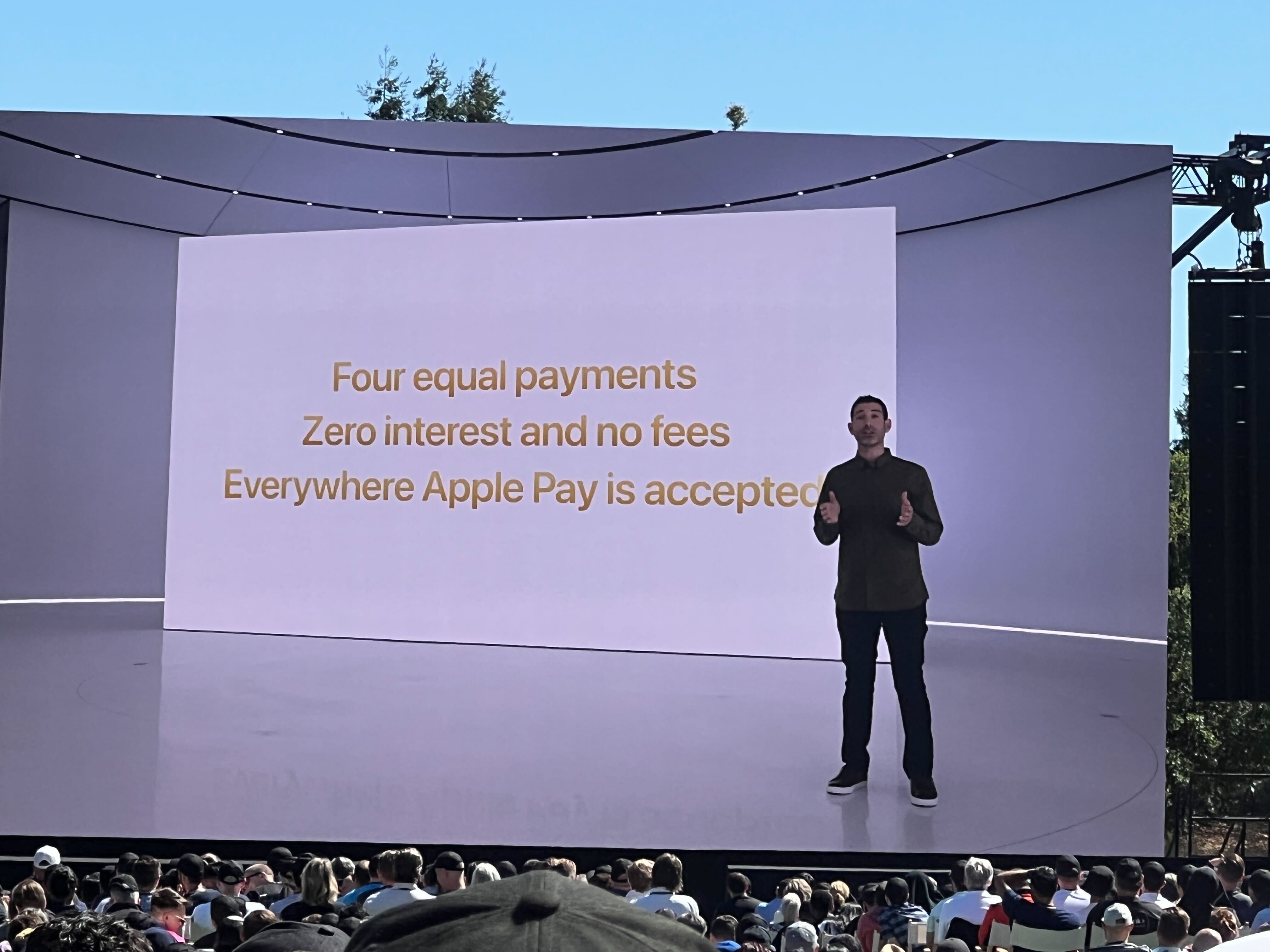
There's also Apple Pay Later, which splits purchases into three payments, and you can track this in Wallet.
There's also Order Tracking, so you can see the latest information on your Apple Pay orders.
Maps
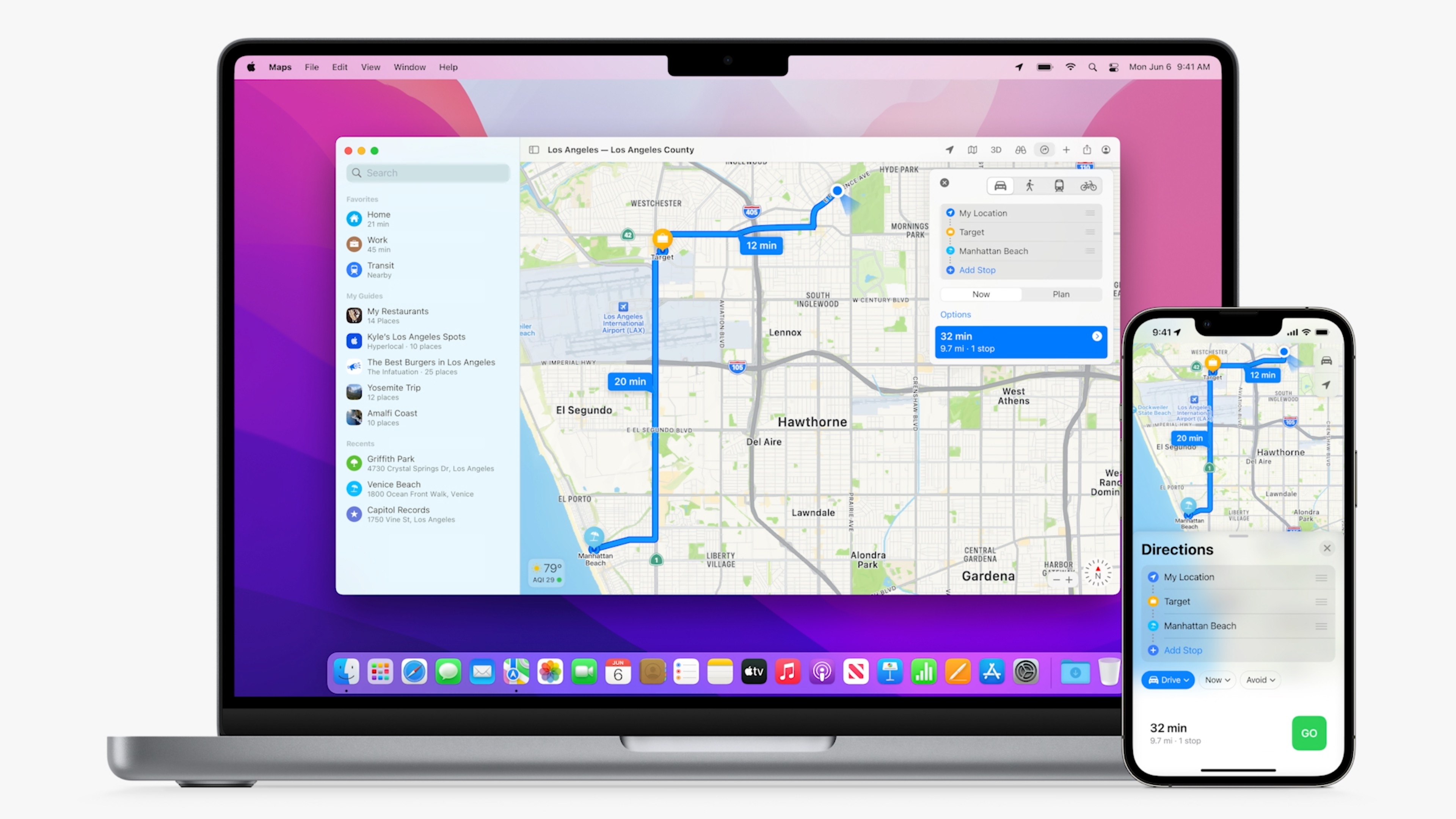
Maps will finally store recent trips in the app, and you can send them from a Mac or iPad device.
While on a journey, you can ask Siri to add another destination, hands-free, in case another errand pops up.
'Look Around', Apple's take on Google Street View, is being opened up to third-party apps.
Sports

iOS 16 is seeing a big push of sports, with Apple News and the TV app seeing schedules, standings and scores being readily available, alongside as a widget for your new lock screen.
Family Sharing
A feature introduced in iOS 9, this enables you and your family to share an account, such as content, photos, videos, and approve some purchases.
In iOS 16, it's getting easier to set age-appropriate content for your kids, with time away settings, and a quick start for your iPad. Here, you can bring your iPhone close to the tablet, and all the settings you've configured, will move over to the iPad.
You can also respond to Screen Time requests in Messages.
There's also a Family Checklist, making it easier for you to be confident that all of the content is secure and child-safe.
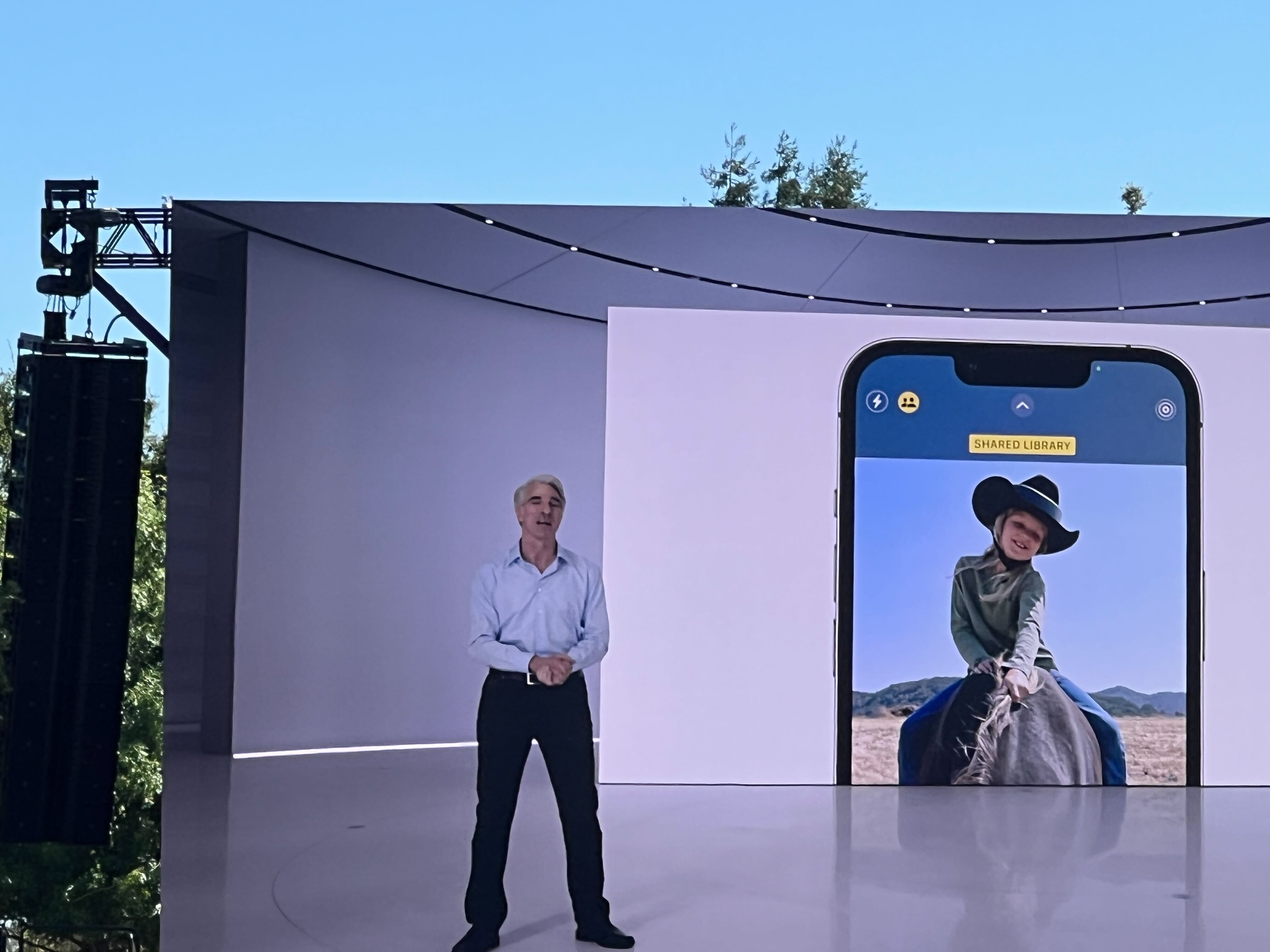
iCloud Shared Photo Library is something that's been long-requested, where you can share up to five other people. You can either share all your content, or specific photos. Perhaps photos that had tags of you and your family, or from a specific date.
There's other benefits, such as captions, comments and filters that your kids may create for existing photos, so these will sync over to your device.
Safety Check
Coming to iOS 16, Apple is introducing this feature to help those in need, where users can check granted access with others for your account, and can quickly revoke access to those who have been allowed to view your content.
You can also stop sharing your location, and protects access to your messages.
Home
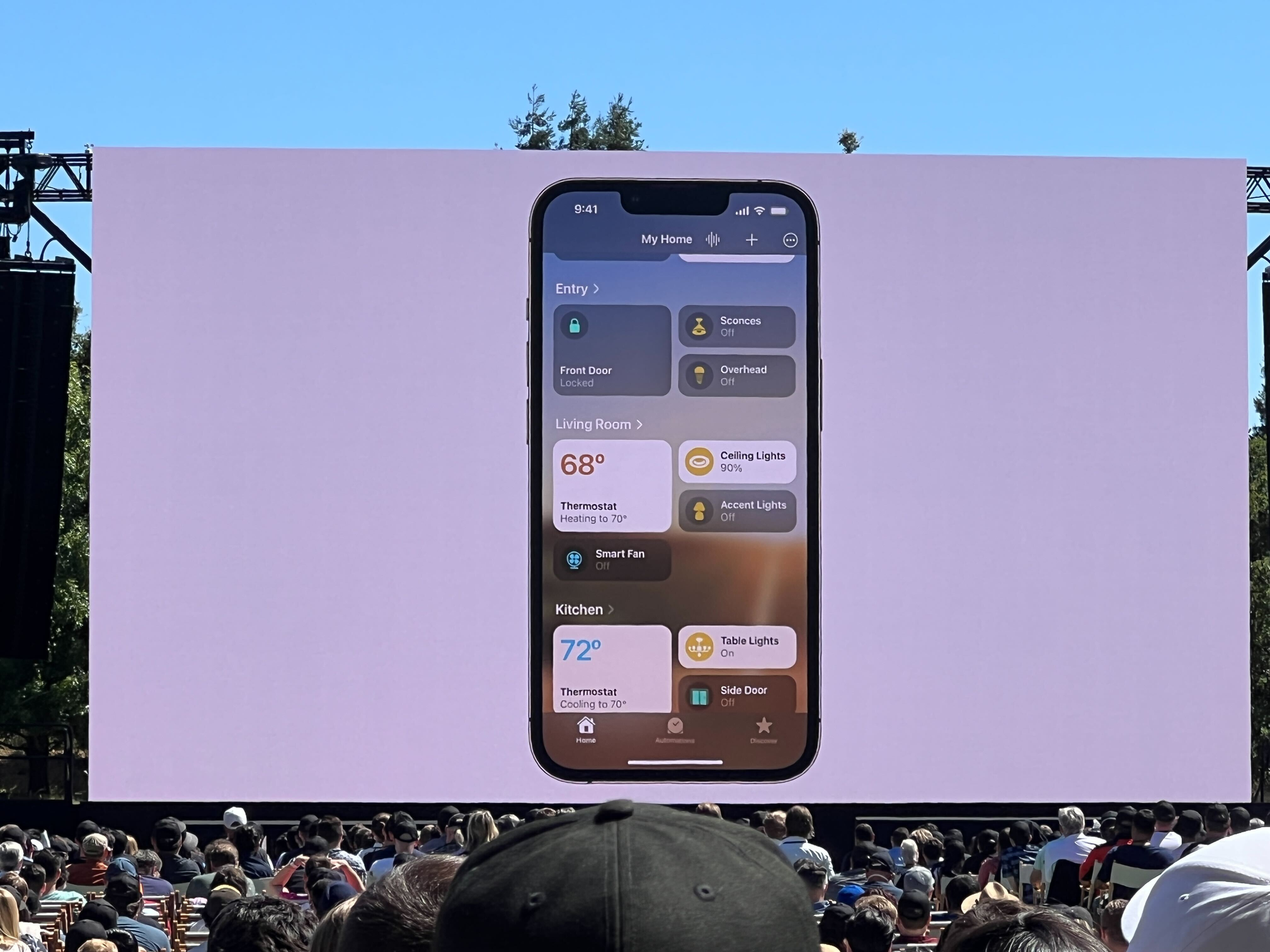
Alongside a partnership with Matter, the Home app is finally seeing a redesign, with a better view for your rooms and smart appliances.
You can see all your rooms in a single view, alongside categories for lights, climate, security and more.
When you tap on a category, you see more detailed status information, and up to four cameras to view at once.
Tiles are also redesigned, with better ways to tell which light is what.
Spatial Audio
You can use True Depth Camera to personalize a Spatial Audio profile on your AirPods Pro or AirPods Max, which could improve situations that the feature couldn't previously do as well before.
Fitness
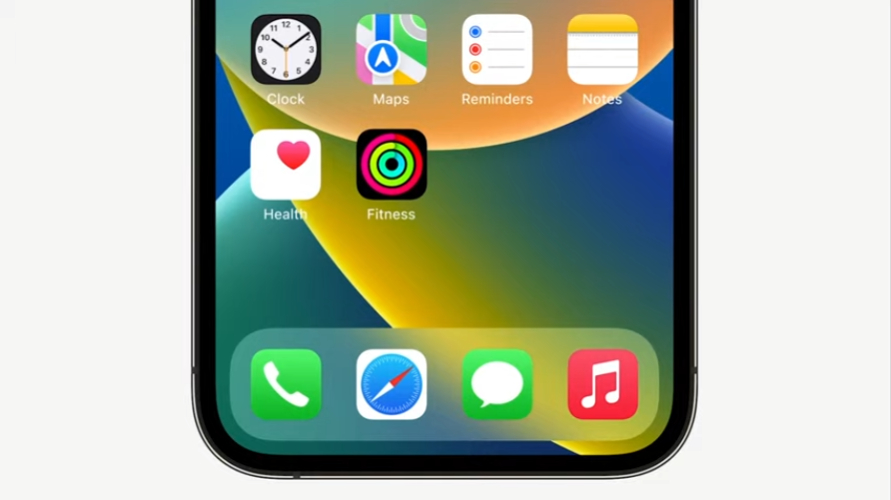
If you don't have an Apple Watch, the app will be available to you regardless, using the motion sensors of your iPhone to track your walking speed and keep you aware of your fitness at the least.
This also means that you can achieve those three fitness rings on your iPhone.
from TechRadar - All the latest technology news https://ift.tt/0MVCTvz
via IFTTT
Comments
Post a Comment